The planner that lives in a notebook.
Daily, weekly and monthly pages, habits, budget, meals, goals and a journal — in one notebook with colored tabs, handwriting and stickers. Works on iPhone, iPad, Android and computer.
 Get it on Etsy
Already bought it? Open your planner
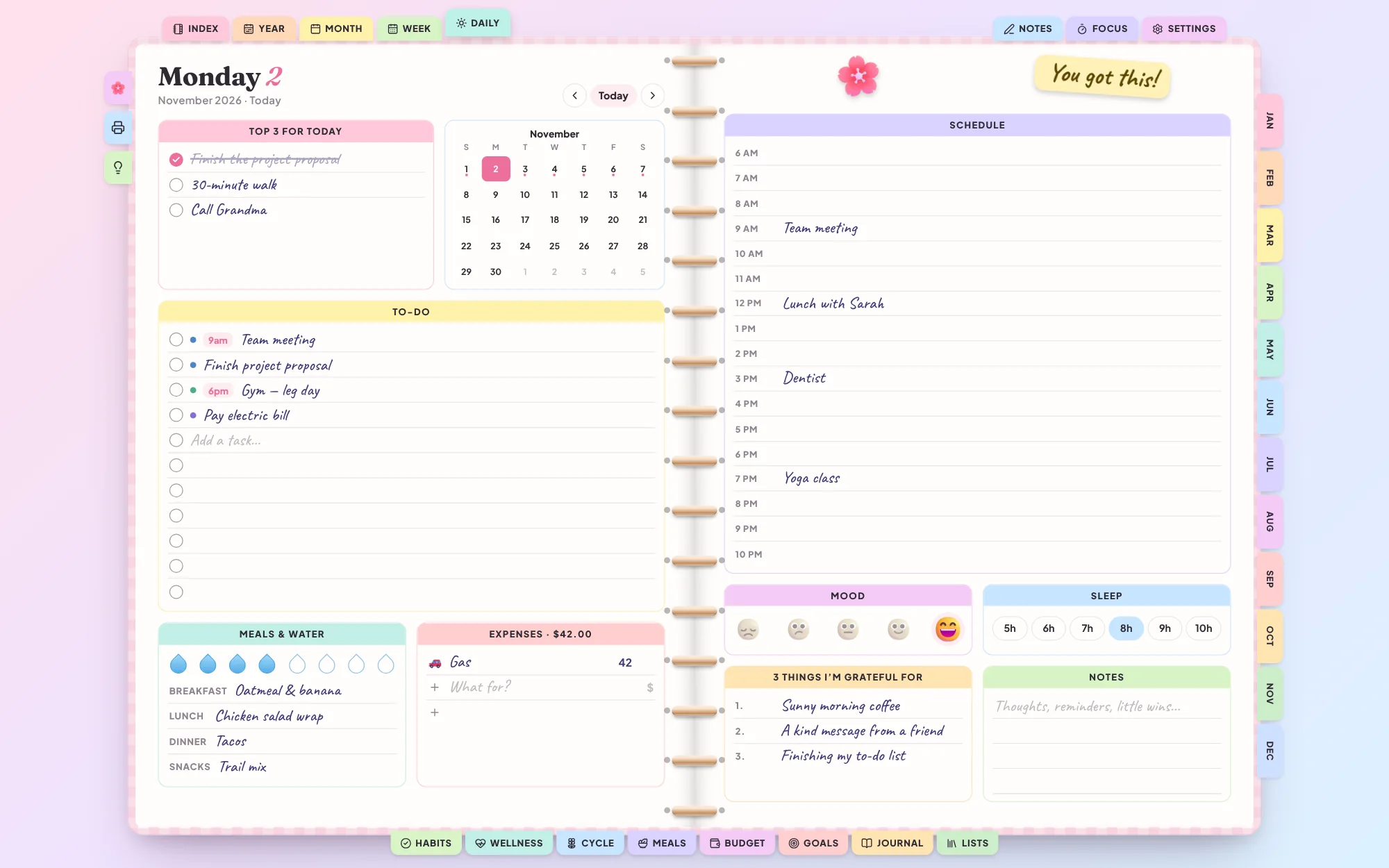
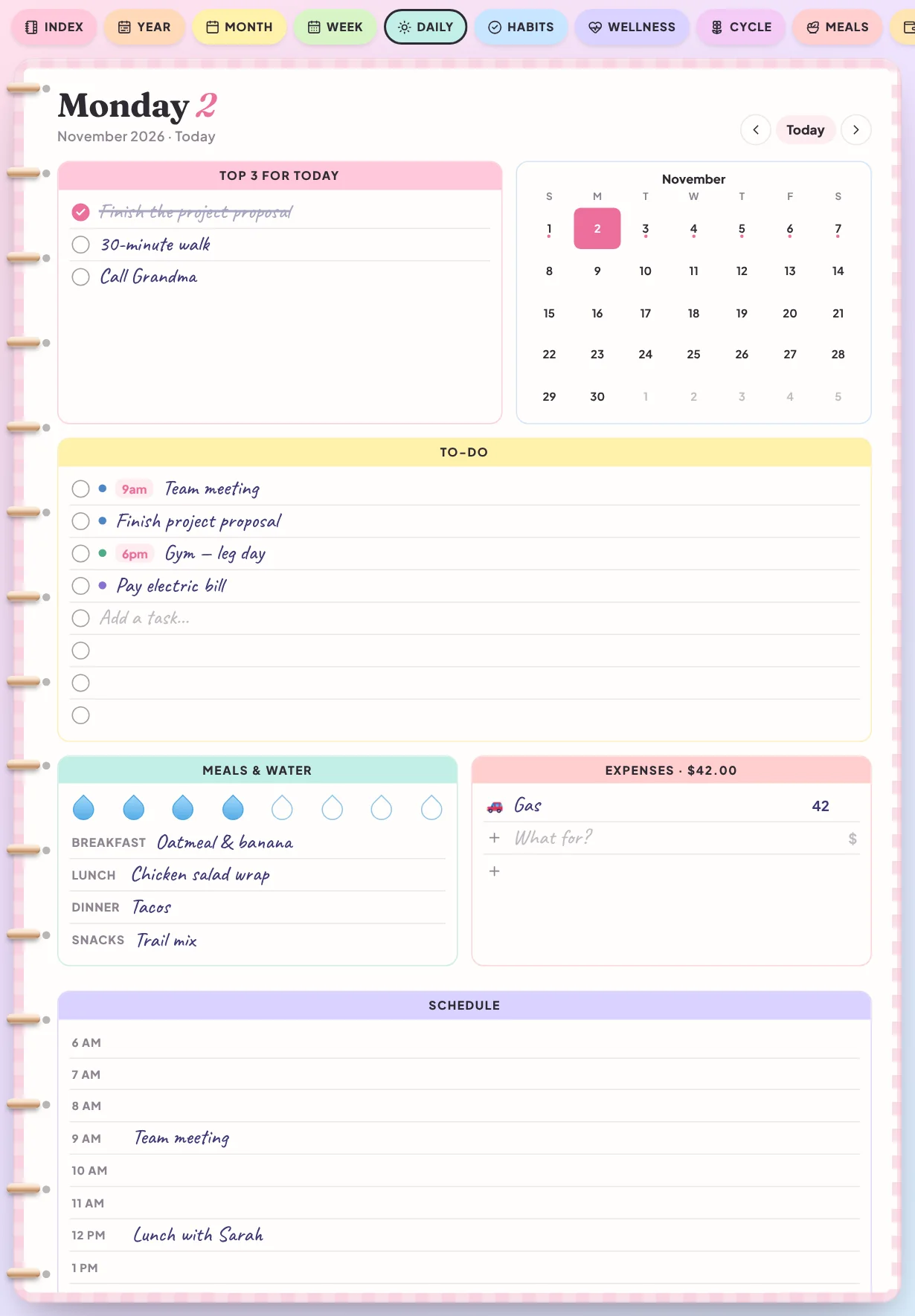
Flip through the pages
Every section has its own colored tab, just like in the planner.
On every screen you own
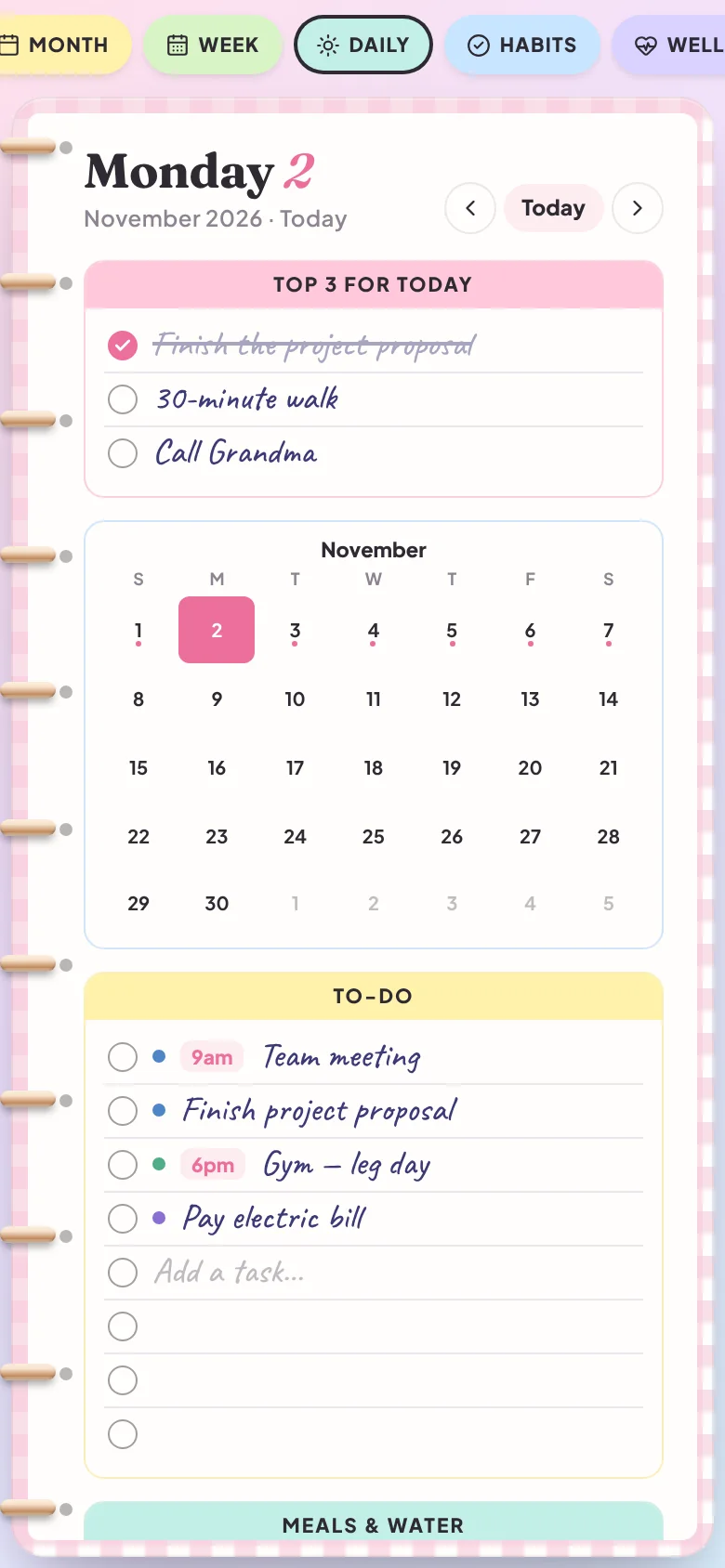
The same planner on your phone, tablet and computer. On small screens the pages stack so everything stays easy to tap.
Pick your colors
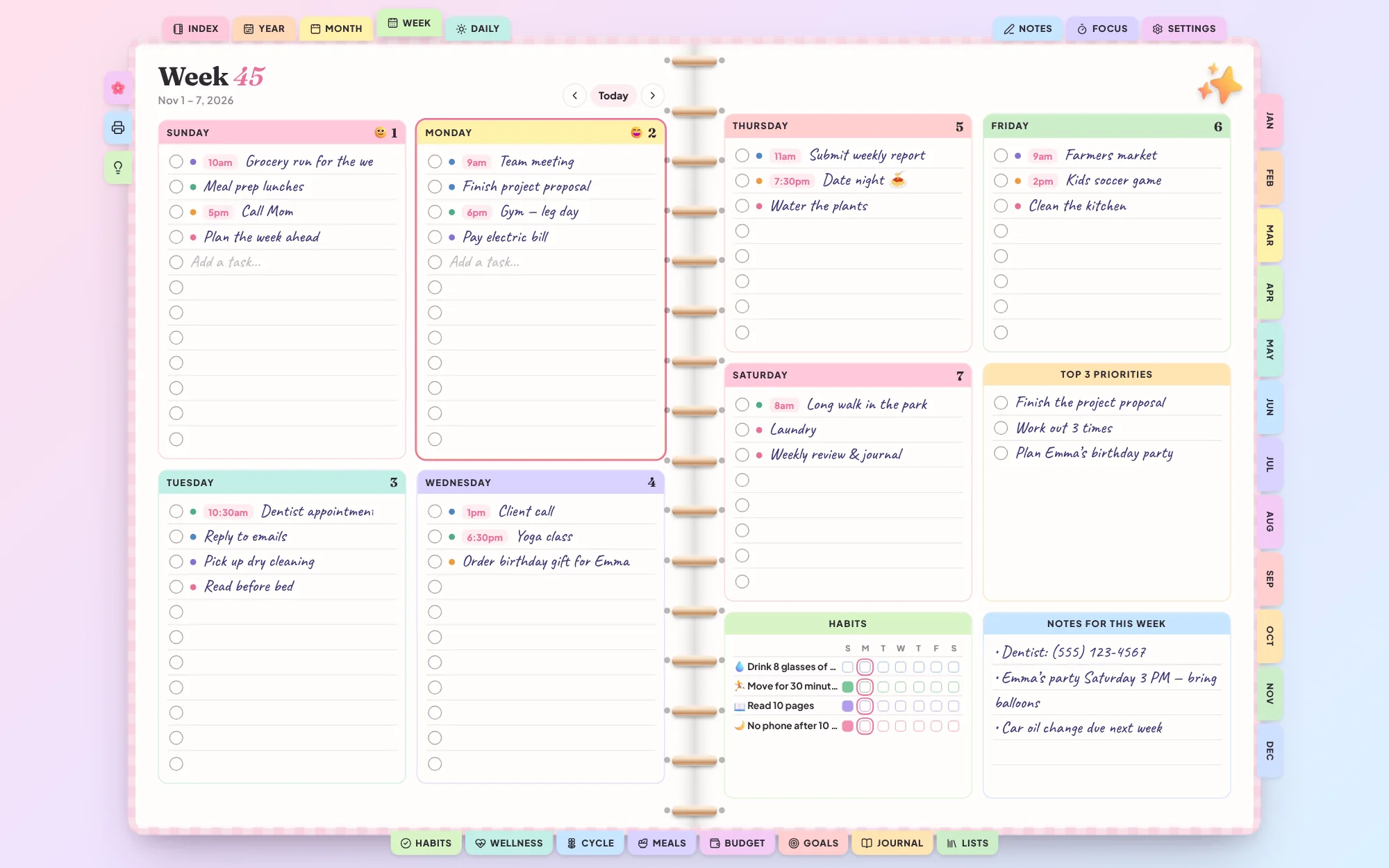
Nine themes, your own accent color and eight covers. Tap a page to bring it to the front.
Little things that make it yours
Write like on paper
Handwriting font, real ruled lines and six ink colors. Or switch to a clean font.
Make it yours
9 color themes, your own accent color and 8 notebook covers.

250+ stickers
3D stickers, washi tape and word stickers you drag, pinch, resize and rotate.
Notes you can draw in
Lined, grid or dotted pages for typing or drawing with your finger or Apple Pencil.
Google & Apple Calendar
Send any time slot to Google Calendar or your iPhone calendar in one tap.

Focus timer
Pomodoro timer with rain, ocean and fireplace sounds to help you concentrate.

8 languages
English, Spanish, French, German, Italian, Portuguese, Dutch and Arabic.
Private & backed up
Everything saves on your device. Download a backup and restore it anywhere.
From Etsy to your planner in a minute
Buy on Etsy
Checkout is handled safely by Etsy. You get a PDF with your link right away.
Find your order number
It’s in your Etsy purchase email and under Purchases in your account — a number like 3456789012.
Open and start planning
Go to digigid.app/planner/app, type the order number and add it to your home screen.
Questions
How do I get the planner after buying?
Etsy sends you a PDF with your link. Open digigid.app/planner/app, type your Etsy order number and the planner opens. Your order number is in your Etsy purchase email and under Purchases in your Etsy account.
Does it work on iPhone and iPad?
Yes. Open the link in Safari, then tap Share and “Add to Home Screen”. It opens full screen like an app.
Does it work on Android and computer?
Yes — in Chrome, Edge, Firefox or Safari on any phone, tablet, Windows PC or Mac.
Do I need an account or internet?
No account is needed. You need internet the first time you open it; after that it keeps working offline on that device.
Where is my data saved?
Privately in your browser on your own device. Nothing is uploaded. Use “Download backup” in Settings to move your planner to another device.
Can I use it on more than one device?
Yes. Your order number works on up to 5 devices, like your phone, tablet and computer.
Can I try it first?
Yes — the free demo has every page and feature. It just doesn’t save what you write.
Start your notebook today.
Try every page in the demo, then get your own planner on Etsy.